
How to Prepare for a Google Street View Virtual Tour Shoot
Google Virtual Tours, Insights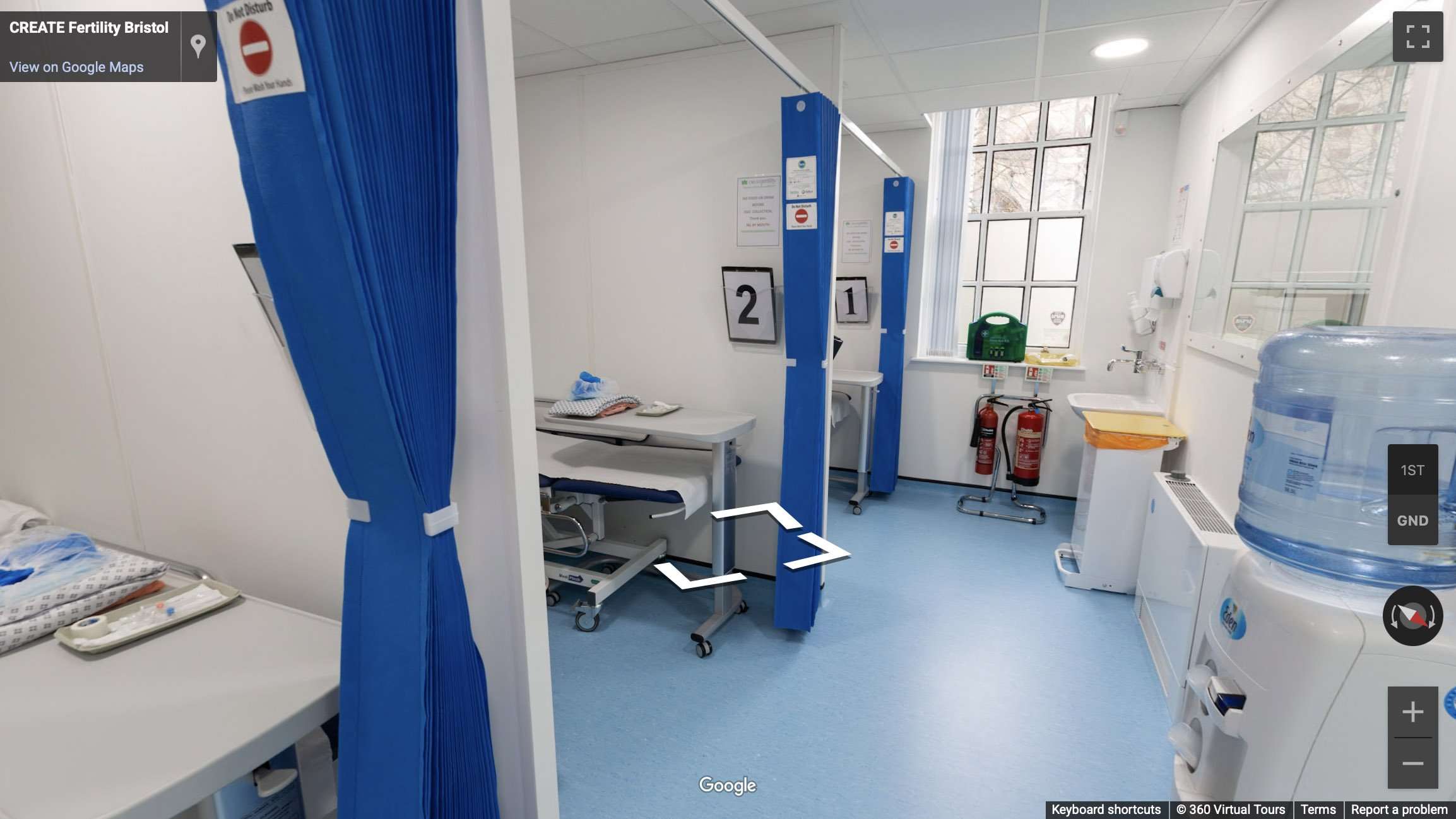
How to Prepare for a Google Street View Virtual Tour Shoot
A Google Street View virtual tour is a powerful way to put your space on the map. Whether you’re promoting a school, business, venue, showroom or public attraction, a Street View tour allows users to explore your location directly from Google Maps, increasing exposure and trust.
As an experienced Google Street View Trusted photographer, we know that the key to a successful shoot is preparation. Street View captures 360-degree still images of your space, so attention to detail before the shoot makes a big difference in the final result.
Here’s our complete guide to preparing for a Google Street View virtual tour shoot.
Tidy, Clean and Declutter All Visible Areas
Street View imagery shows everything in the frame, so it’s essential that all areas are clean, tidy and clutter-free. Remove bins, bags, wires, paperwork and any items that may distract from the space. Whether it’s a school preparing for virtual open days, or a business showing off its facilities, first impressions count.
Fix Maintenance Issues Before the Shoot
A Google Street View tour may be online for years to come, so it’s worth addressing visible maintenance issues beforehand. Make sure to:
Replace any blown lightbulbs
Repair scuffed walls or damaged flooring
Fix blinds, curtains or doors that don’t open smoothly
Tidy exterior areas such as paths, signage or entrances
Prepare Screens and Displays
If screens or digital signage are visible in the space, ensure they’re switched on and displaying a clean, branded message or welcoming image. Avoid screens showing email inboxes, login screens or cluttered desktops, as these will be visible in the final imagery.
Stage the Space for Visitors
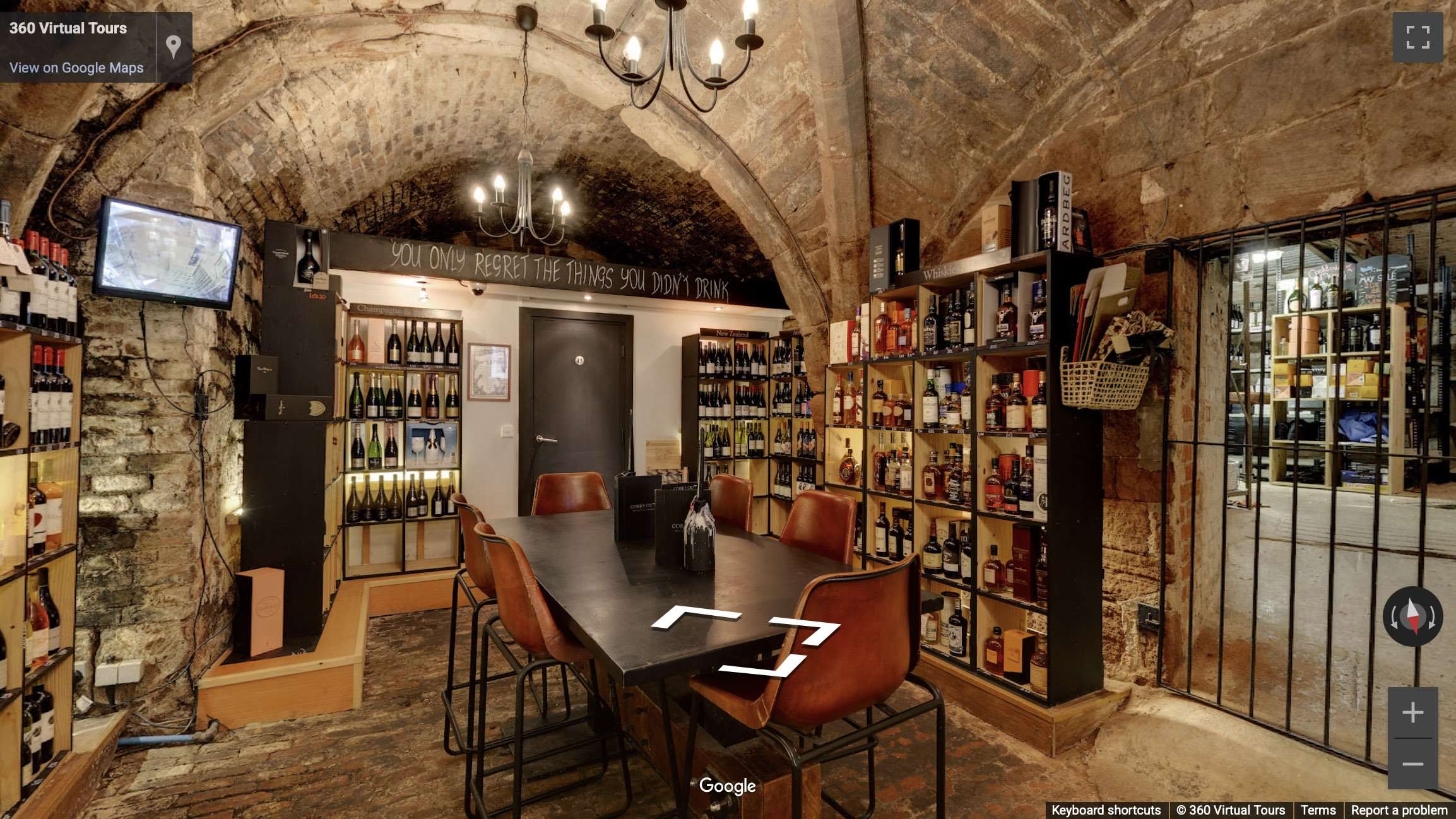
Arrange furniture neatly, straighten chairs and ensure reception areas, meeting rooms or classrooms feel organised and welcoming. Add finishing touches such as brochures, flowers or cushions where appropriate. As Street View captures static 360 images, everything in frame should feel considered and professional.
Turn on All Lights and Let in Natural Light
Good lighting helps create a bright, inviting tour. Turn on all available lighting, including ceiling lights, feature lights and desk lamps. Open blinds or curtains to let in as much natural light as possible, especially in darker areas.
Plan the Tour Route in Advance
Work with your photographer to plan the path users will follow. Focus on key spaces such as entrances, reception areas, showrooms, event spaces or communal zones. Ensure any doors along the planned route are unlocked and open. Close doors to any rooms that should not be included in the tour.
Remove Personal or Sensitive Information
Google Street View tours are public, so be sure to remove any visible documents, handwritten notes, staff or student names, and passwords on display. Anything in view during the shoot may be visible in the final tour.
Keep the Space Free of People During the Shoot
To avoid blurring or distraction, it’s best for the space to be empty during the shoot. People may appear in reflections or be unintentionally captured in the 360 image. If team members must be present, they should remain out of sight while each image is captured.
Final Thoughts
A well-prepared space ensures a professional and engaging result when creating your Google Street View virtual tour. From tidy rooms and clean signage to well-lit interiors and clear walkthrough routes, every detail contributes to how your business or location appears on Google Maps.
Whether you’re looking to showcase a school, attract customers to a venue, or boost visibility for your business, we offer trusted, high-quality Google Street View tours across the UK. Get in touch today to discuss your project or book a shoot.
